




Promoting a sponsored worker is usually a report, not a new visa. If the new role sits in the same occupation code as the one on their Certificate of Sponsorship (CoS) and meets the route's rules, you tell the Home Office through the sponsorship management system (SMS) within 10 working days. If the new role sits in a different occupation code, the worker needs a new CoS and a successful change of employment application before they can start it, even though they are staying with you.
The occupation code decides which of those applies, and the job title does not. Getting it wrong in either direction costs something. Report a code change as a simple promotion and the worker ends up doing a role that doesn't match their CoS, which Part 3 of the sponsor guidance treats as a mandatory ground for revoking your licence. Over-caution costs too: a certificate is £525 and a decision usually takes weeks, which is a lot to spend on a change that only needed a 10-day report. This guide from Borderless Immigration sets out the rule, a decision table for the changes HR teams make most often, what the new-CoS route costs, and a check to run before any promotion is signed off.
The rule: same occupation code means report, a different code means reapply
Every sponsored role is tied to an occupation code from the Standard Occupational Classification (SOC 2020), and the job description you entered on the CoS. You are responsible for making sure the worker's role in practice keeps matching both (sponsor guidance Part 3, C1.44).
Part 2 of the guidance lets you keep sponsoring a worker who moves to a different role within the same occupation code, without a new certificate, provided all five of these conditions are met (Part 2, S9.10):
- you assigned the CoS that led to their last grant of permission
- the new role is in the same occupation code as that CoS
- the new role is eligible on the route, including its skill level
- on the Skilled Worker, Scale-up and Global Business Mobility routes, the new role meets the route's salary requirements
- if the worker scored points for a job on the Immigration Salary List, the new role is also on that list (unless the transitional provision in Appendix Skilled Worker SW 11.2 applies)
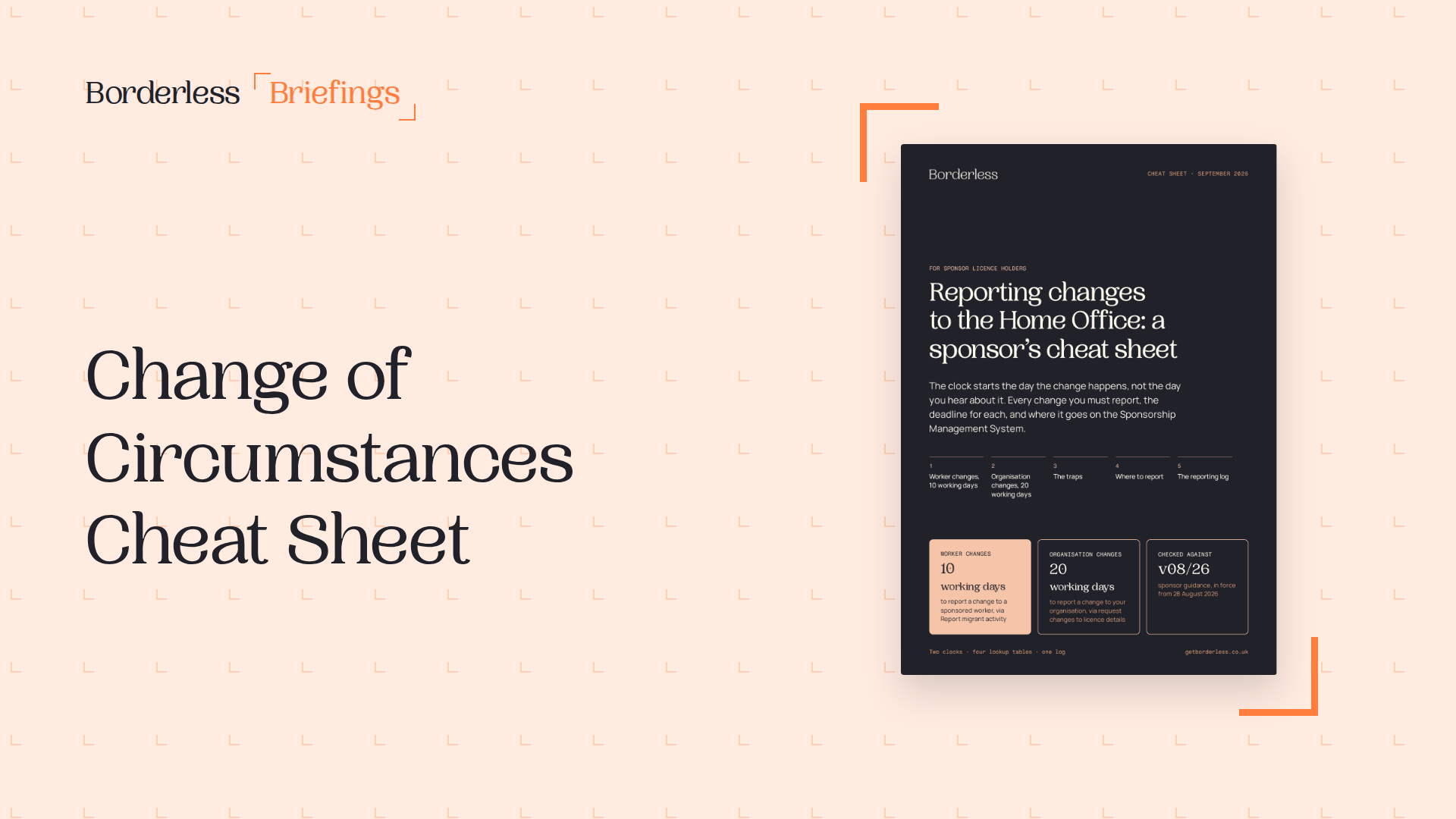
If all five hold, you report the change through the SMS within 10 working days (S9.11). Part 3 lists exactly this as a reportable change: "a change of job role, job title or core duties, or a promotion", within the same occupation code and meeting S9.10 (C1.15). The 10 working days run from the date the change in duties takes effect (Part 2, S3.9). You make the report through the SMS's "Report migrant activity" function (C1.16), and the change of circumstances cheat sheet covers the wider set of reports. The report only covers the worker until their current permission runs out. When they need to extend, you assign a new CoS for the role they are now doing and they make an extension application in the usual way (S9.12).
If the new job is in a different occupation code, or the worker is moving from a job on the Immigration Salary List to one that isn't (even within the same code), they need a new CoS and a new application, known as a change of employment application (S9.13). The application must be granted, and you must carry out a fresh right to work check, before the worker starts the new job. That applies even when the new job is with the same sponsor (S9.14). The guidance is blunt about what happens otherwise: if you fail to comply with those requirements, "we will revoke your licence" (S9.16).
Decision table: what each change needs
These are the changes HR teams make most often to sponsored workers' jobs, and what each one triggers under the current guidance.
| The change | What you do | Deadline |
|---|---|---|
| Promotion or new job title, same occupation code, all five S9.10 conditions met | Report it in the SMS. No new CoS | 10 working days from the date the new duties take effect |
| Change of core duties, same occupation code | Report it in the SMS | 10 working days |
| Pay rise with no change of role | Nothing to report, unless a pre-registration nurse or midwife has completed registration (C1.15) | Not applicable |
| New role in a different occupation code | New CoS and a change of employment application. Fresh right to work check | Before the worker starts the new role |
| Move from an Immigration Salary List job to one not on the list, even in the same code | New CoS and a change of employment application (S9.13) | Before the worker starts the new role |
| Pay cut that still scores under the same salary option, or meets another SK8.4 exception such as a phased return backed by an occupational health assessment | Report the new salary in the SMS (Sponsor a Skilled Worker, SK8.4 and SK8.5) | 10 working days |
| Pay cut that no longer scores under the same option | New CoS and a successful application before you pay the lower rate (SK8.6), or stop sponsoring if no option fits (SK8.7) | Before the cut takes effect |
| Role change on a graduate training programme covering several roles | No change of employment application (S9.17), but report it (S9.18) | 10 working days |
Two rows deserve a second look. The pay rise row is where employers over-report: Part 3 says in terms that you do not need to report increases in salary, with the single nursing and midwifery exception. And the pay cut rows bite hardest when a promotion is reversed or a role is restructured downwards, because the test is whether the new salary still scores under the same option that led to the current grant, not simply whether it clears the general threshold.
Why the job title is not the test
A new job title tells you very little on its own. A promotion that adds seniority to the same kind of work usually stays within one occupation code. A move that changes what the person spends their day doing may not, and that is where employers get caught. The title changes in the HR system, the payroll grade changes, and nobody checks whether the duties now belong to a different code.
The consequence is set out in Part 3. If the Home Office finds a sponsored worker "working in a role that does not match the occupation code or job description for which the CoS was assigned, and this is not a permitted change", that is a mandatory ground for revocation (C1.47). Annex C1, the list of mandatory revocation grounds, covers it three ways: item (s), where the role does not match the occupation code or job description on the CoS, and item (q), where you use a CoS to fill a role other than the one specified on it, unless the change is permitted and you notified the Home Office, and item (u), failing to assign a new CoS to a worker who needs a change of employment application. Even a permitted change that you forgot to report can cost you: Part 2 says the Home Office is likely to take action if a compliance check finds the role is not accurately reflected on the CoS (S3.10).
So the question to ask about every promotion is whether the new duties still fit the description of the code on the CoS. Read the description in the SOC 2020 coding, not the job title, and if the new role sits more comfortably in a different code, treat it as a change of employment. Paying for a certificate you turn out not to need costs far less than defending a role mismatch.
When the promotion needs a new CoS: timing and cost
A change of employment for an existing worker runs on an undefined certificate, because undefined certificates are the type used for Skilled Workers applying from inside the UK, and you assign them from your annual allocation (Part 2, S2.8 and S2.9). When you assign it, the SMS asks you to choose a category, and there are two for this situation: "Changes of Employment, ISC liable" and "Changes of Employment, ISC exempt" (Sponsor a Skilled Worker, SK11.20). Because each one comes out of your allocation, a round of promotions that cross occupation codes can use up certificates you had planned for new hires, so it's worth checking the allocation before you sign them off. Our guide to increasing your CoS allocation covers what to do if it runs short.
On timing, GOV.UK says the worker can apply up to three months before the start date of the new job, and will usually get a decision within eight weeks. They can carry on in their current job while the application is considered, as long as they applied before their current permission expires, but should not start the new job until the new permission is confirmed. Work back from the date you want the promotion to take effect: the CoS needs to be assigned, and the application made, well ahead of it.
| Cost | Amount | Notes |
|---|---|---|
| Certificate of Sponsorship | £525 | Worker licence. Paid by you as the sponsor |
| Immigration Skills Charge (ISC) | Only for any extra time | Nothing extra if the new CoS does not lengthen the worker's permission. If it does, you pay the charge for the additional period, at the rate for your sponsor size |
| Worker's application fee, from inside the UK | £943 up to three years, £1,865 over three years | £628 and £1,235 where the new job is on the Immigration Salary List. Partners and children apply separately |
The ISC position comes from GOV.UK's own example: a worker with a two-year visa moves to a new job in your organisation, the new certificate extends their permission by six months, and you pay the charge for those six months only. The guidance matches it (Part 2, S5.9). It works the other way too, because the Home Office won't refund any ISC when a worker changes job but stays with the same sponsor (S5.26). Our guide to the full cost of sponsoring a Skilled Worker sets out the per-hire figures, and the Immigration Skills Charge guide covers the exemptions.
Work out the fees with the visa fees calculator
The skill-level trap
Some promotions that cross occupation codes can't be done through a change of employment application at all, because the new code isn't eligible for this worker. For certificates assigned on or after 22 July 2025, a Skilled Worker job must normally be at graduate level, RQF level 6 or above (Sponsor a Skilled Worker, SK4.3). A job below graduate level can only be sponsored if it is on the Immigration Salary List or the Temporary Shortage List, or a transitional provision applies (SK4.9).
The main transitional provision covers workers granted Skilled Worker permission under the rules in force before 22 July 2025 who have held Skilled Worker permission continuously since (SK4.17). So a worker whose first Skilled Worker grant came after that date can't usually be moved into a code below graduate level unless the job is on one of the two lists, and the guidance says the jobs currently on those lists are due to be removed by the end of 2026 unless the Migration Advisory Committee recommends keeping them, with separate arrangements for care workers and senior care workers (SK4.13). Check the new code's skill level and list status before the role is offered, not after the worker has accepted it.
Where you are relying on the transitional provision, say so. The CoS should carry a statement that the worker meets it (SK4.21), and a request for extra undefined certificates must include that statement plus the worker's name, nationality, date of birth and most recent CoS number, or it is likely to be rejected (SK4.23 and SK4.24).
Check the salary against the code, not just the raise
A promotion within the same code normally comes with a raise, so pay is rarely the problem. It becomes one when a role is restructured, hours change, or the new package moves money from salary into allowances. Under S9.10 the new role must meet the route's salary requirements, and the Home Office makes regular checks with HMRC to make sure you pay what you said you would (Part 2, S4.4). Our Skilled Worker minimum salary calculator works out the minimum for a role before you set the new package.
A check to run before any promotion is signed off
For an employer with dozens of sponsored workers, promotions don't arrive one at a time. They come in batches after a review round, and the reports fall due together. Each worker's 10 working days still runs from their own effective date, not from the date the round was approved. A short gate in the approval process catches the problem while it is still cheap to fix:
- Pull the occupation code and job description from the worker's current CoS.
- Compare the new duties with the code's description in SOC 2020. If they fit another code better, treat it as a change of employment.
- Confirm you assigned the CoS behind the worker's last grant, the first S9.10 condition.
- Check whether the current job, the new job, or both are on the Immigration Salary List.
- If the code changes, check the new code's skill level and, if it is below graduate level, whether it is on the Immigration Salary List or Temporary Shortage List or the worker meets the transitional provision.
- Check the new salary against the threshold and the going rate for the code, including the hourly rate.
- If no new CoS is needed, diary the SMS report for 10 working days from the date the new duties take effect.
- If a new CoS is needed, check your undefined allocation, assign the certificate, and hold the start date until the new permission is granted and the right to work check is done.
- Keep the new job description on the worker's file, so what you hold matches what you reported.
We still speak to employers who pay a solicitor to look at every job-title change, and to others who have never reported one. The rule sits between the two: a promotion within the code needs a 10-day report, one that crosses codes needs a new certificate, and the occupation code tells you which. For more on the reports a sponsor makes, see our guide to sponsor licence change of circumstances, our Certificate of Sponsorship guide, and the wider sponsor duties a licence carries. Keeping every role matched to its certificate is unglamorous work, and there's just too much at stake to leave it to the job title.
Paragraph references are to the Workers and Temporary Workers guidance for sponsors, Part 2 version 10/26 (valid from 8 October 2026) and Part 3 version 08/26 (valid from 28 August 2026), and to Sponsor a Skilled Worker version 04/26 (valid from 8 April 2026). Fees and timings are from the GOV.UK pages on Skilled Worker visa costs, updating a visa after a change of job, Certificates of sponsorship and the Immigration Skills Charge. All were read on 18 November 2026.
Automate Home Office Audits with Borderless
The Borderless platform provides a centralized system for all sponsorships, automating reminders for key tasks and ensuring best practices across your organization, simplifying audit preparation and ongoing compliance.