
Sponsor licence / Sponsor Management System support
Leave the SMS to us
Once Borderless is added to your licence as a Level 1 user, we assign certificates and report changes on the Sponsor Management System (SMS) for you. Your team works in Borderless instead, and every report is logged with when it went in.
SMS access
Northgate Care Ltd
1 licence · 3 sites · 5 SMS users
MFA ready
Users and key personnel
Hannah M. · Authorising Officer
Details checked · 2 Oct
Current
Priya S. · Level 1 user
Mobile and date of birth checked
Ready
Lul S. · Level 1 user
Borderless adviser
Ready
2 Level 2 users
Upgrade or deactivate by 8 Mar 2027
Review
Lul S., your immigration adviser, reviews anything that goes to the Home Office
SMS · Multi-factor authentication
Passcode details checked for 3 users
Halo · Salary change
Change spotted, report pre-filled
Lul S. · Adviser
Report reviewed and ready for you
Iris AI agent
Helps prepare it
Your adviser
Reviews it
You
Approve it
Sponsors using Borderless







How Borderless works with your SMS
You record the change in Borderless
Mark a leaver, or update a salary or weekly hours, and Borderless spots that it needs reporting.
The report is pre-filled
Halo, your compliance dashboard, sets the deadline and fills in the details for you.
Your adviser reviews it
An IAA-regulated immigration adviser checks the wording before anything goes on the SMS.
We report it on the SMS
Once you approve, Borderless reports the change on the SMS on your behalf, and logs when it went in.
Spot
Draft
Review
Report
A change on your record
Pay, hours or a leaver, recorded in Borderless
Workday
HiBob
BambooHR
Sage HR
Sona
Salary change · Joseph A.
Updated by Priya S. · today
Day 1 of 10
Checking the change
Does it need reporting, and by when?
Halo is checking
Salary below the CoS
Report
Work location
No change
Occupation code
No change
Deadline · 23 Oct
Set
SMS report drafted
Ready for your adviser
Drafted
Your adviser reviews it
An IAA-regulated immigration adviser checks the wording
Reviewed by Lul S.
Immigration adviser · IAA regulated
Reviewed
1 change suggested
Effective date added
Accepted
You approve, and it’s reported
Nothing goes on the SMS until you say so
Reported on the SMS
Day 4 of 10 working days
On time
Logged to your audit trail
What was reported, when, and by whom
Ready to report once you approve.
Approve
SMS changes with deadlines in 2026 and 2027
The Home Office is tightening who can use the SMS and how they log in. Each change has a deadline, and missing one can cost you access.
From 9 September 2026
No new Level 2 users
Level 2 users can no longer be created. Existing ones must be upgraded to Level 1, if they’re eligible, or deactivated by 8 March 2027.
Rolling out now
Multi-factor authentication
Every login needs a one-time passcode, sent by text or email. The Home Office emails your Authorising Officer, Key Contact and users two weeks before it starts on your licence.
After 12 months
Inactive accounts removed
Users who haven’t logged in for 12 months are contacted, and must log in within three months or lose access. With no active Level 1 user, your licence can be suspended.
Inside Borderless
Your users and access, checked and kept current
Who can do what on your licence, whether every user is ready for multi-factor authentication, and what happens to each Level 2 user, all in one view.
Users and access
Every user and key personnel role, with details checked.
Multi-factor authentication
Each user’s details checked before the passcodes start.
Level 2 phase-out
A decision for every Level 2 user, well before 8 March 2027.
Borderless
Users
Access
Reports
Log
SMS users
Northgate Care Ltd · 1 licence
Reviewed
Hannah M.
Authorising Officer
Current
Tom W.
Key Contact
Current
Priya S.
Level 1 user · settled worker
Active
Lul S.
Level 1 user · Borderless
Active
2 Level 2 users
Decision needed before 8 Mar 2027
Review
MFA readiness
Checked before the Home Office switches it on
Ready
Individual email addresses
No shared inboxes on any account
Mobile numbers
On file for each Level 1 user
Dates of birth
Match the details held in the SMS
Home Office email
Watched for the two-week notice
Every user can log in once MFA is on.
Ready
Level 2 phase-out
Upgrade or deactivate by 8 Mar 2027
2 to resolve
Daniel M. · Level 2 user
Assigns CoS · Leeds
Upgrade
Aisha K. · Level 2 user
Left in June · no recent login
Deactivate
Checked by Lul S.
Eligibility checked before any upgrade
Every change logged
Who changed what, and when
The roles the SMS depends on
Each role carries different duties. Getting the right people in each one is the first thing we check.
Authorising Officer
Answers for the licence
A senior person responsible for your sponsorship and for what every SMS user does. They must be a paid member of staff or an office holder.
Key Contact
Your main contact with the Home Office
Usually a member of staff or an office holder. A UK-based representative can take this role.
Level 1 users
The day-to-day work
At least one must be a settled worker who’s an employee, director or partner. An immigration adviser can be added once your licence is granted, but never as the only one.
60
%
less CoS processing time at Home Instead
Home Instead · Homecare
“With Borderless, I no longer have to second-guess every step of the process. I know it’s being handled correctly.”
Questions we’re often asked
What’s happening to Level 2 users?
Since 9 September 2026, sponsors can’t create new Level 2 users. Existing Level 2 users must be upgraded to Level 1, if they’re eligible, or deactivated by 8 March 2027. We go through each one with you and make the change.
When will multi-factor authentication start on our licence?
The Home Office began rolling it out on 3 September 2026 and expects every sponsor to be on it by November 2026. Your Authorising Officer, Key Contact and users get an email two weeks before it starts. We check each user’s details in advance so nobody is locked out.
Can Borderless be a Level 1 user on our licence?
Yes. On every plan, Borderless is added as a Level 1 user once your licence is granted, alongside at least one Level 1 user from your own organisation.
What happens if we have no active Level 1 user?
The Home Office suspends the licence and gives you 28 days to nominate an eligible Level 1 user. If you don’t, it will normally revoke the licence.
What do we have to report through the SMS?
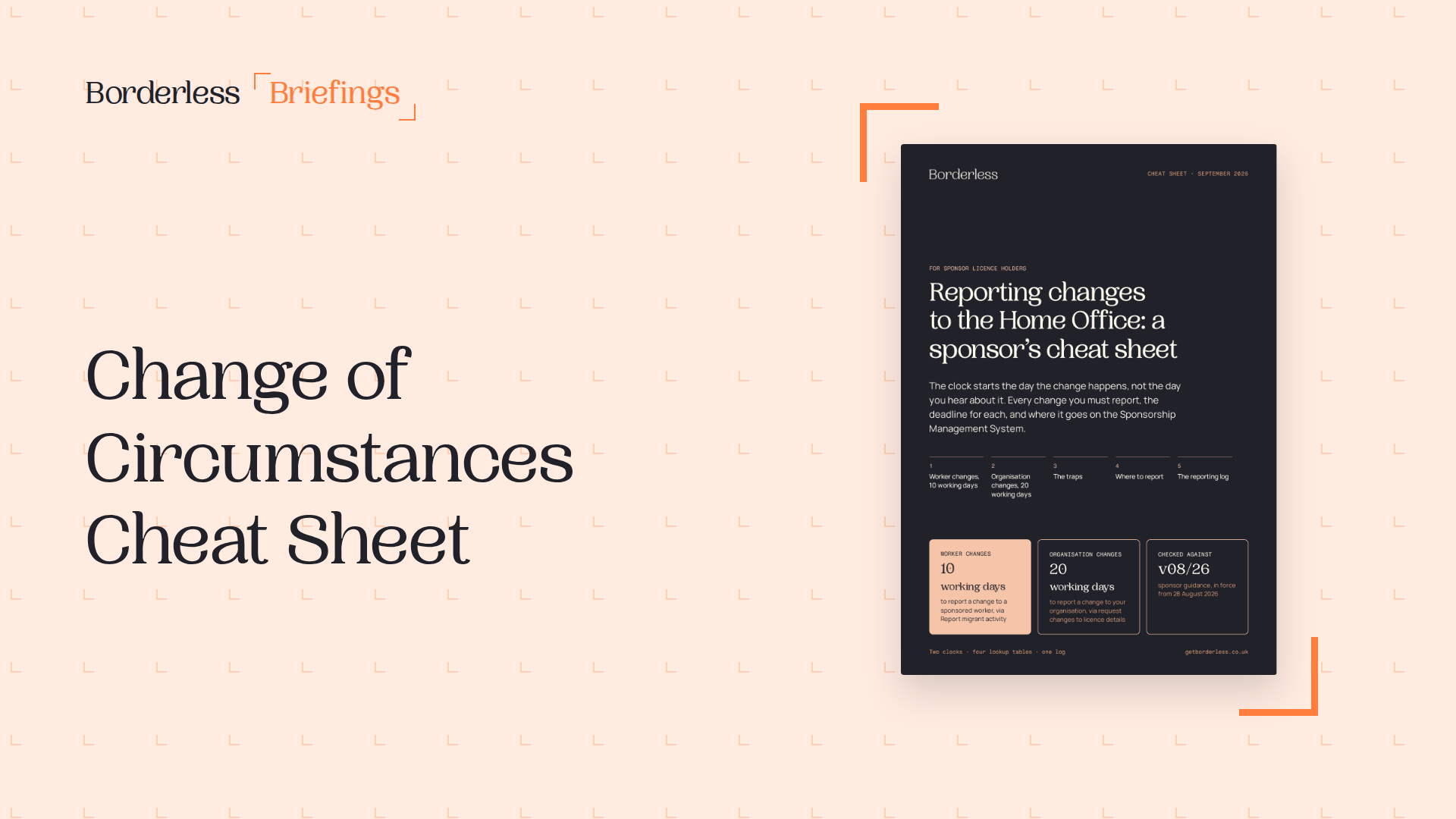
Changes about a sponsored worker, such as a lower salary, a new work location or a significant change to the job, within 10 working days. Changes to your organisation within 20 working days.
See your SMS users and reports in one place
Book a tour of the platform, from users and access to reporting, with time for your questions.