
Version 08/26 of the Home Office sponsor guidance took effect on 28 August 2026. It changes three things about who can get into the sponsorship management system, and one of them means a sponsor licence can be suspended and then revoked because nobody has logged in for a year.
There’s no fee attached to any of it, no new form and no new legal test. That’s precisely why it will catch people out. A rule change with a price tag gets noticed. This one is administrative, which makes it easy to file under “later” and then discover in an email to a director who doesn’t read it.
Here’s what changed, who it applies to, and the four checks worth running this week.
The three changes
Version 08/26 replaces version 05/26 of 20 May 2026, and its own change log lists the update as doing three things: announcing the phasing out of the Level 2 User role from 9 September 2026, introducing mandatory multi-factor authentication for sponsorship management system users from 3 September 2026, and setting out a new process for managing inactive SMS User accounts.
Two of those sound like housekeeping, and they broadly are. The third one ends in revocation.
Inactive accounts, and the chain that ends in revocation
This is the change that matters, so it’s worth walking the whole sequence rather than just the headline, because the sequence is what makes it real.
An SMS account counts as inactive if the user hasn’t accessed it for 12 months or more (L4.72). If the Home Office identifies inactive users on a licence, it contacts the Authorising Officer and any inactive Level 1 User with instructions. From the date of that contact (L4.73), a Level 1 User has 3 months to log in, check their details and update them if needed (L4.74).
Miss that window and the guidance is unambiguous: the inactive accounts get deactivated and those users lose SMS access. And then comes the part that turns an admin lapse into a licence problem. If the deactivations leave a sponsor with no active Level 1 User, the licence is suspended, with 28 days from the date of suspension to nominate at least one eligible Level 1 User. Fail to do that and, in the Home Office’s own words, “we will normally revoke your licence” (L4.78).
That plugs into something easy to forget: a licence depends on there being somebody able to operate it. What’s new is that dormancy is now a defined route to losing that, with a clock attached to every step.
Version 08/26 also adds a line to the requirements every Key Person on a licence must meet. SMS Users must now “access their account regularly and keep their details up to date”. Logging in has become a duty.
Why this is worse than it sounds
Ask an HR lead who their Level 1 User is and you’ll often get a pause. It tends to be whoever set the licence up, who has since changed role, gone on parental leave, or left the business altogether. Nobody deactivated the account because there was never a reason to.
The notification makes it harder still. It goes to the Authorising Officer, who at most organisations is a director, an owner or a senior partner rather than the person handling sponsorship day to day. It’s precisely the sort of email that gets skimmed and left, and the 3-month clock is running from the moment it arrives.
The employers most exposed aren’t the ones sponsoring at volume. Sponsor twenty people a year and somebody is in the SMS constantly. The risk sits with employers who sponsor occasionally: a scale-up that hired two engineers from overseas eighteen months ago and nobody since, or a provider whose last Certificate of Sponsorship went out well over a year back. There is no routine reason to log in between hires, and that’s the exact profile the 12-month rule is built to find.
The one piece of good news
If a licence is revoked solely because of the inactive-accounts process, there’s no cooling-off period (L4.79). The employer can apply for a new licence straight away, paying the application fee again and meeting whatever requirements are in force at that point, but without the usual wait.
The cooling-off table in Part 1 goes further: where a previous revocation happened for this reason alone, it’s disregarded when calculating cooling-off periods triggered by other revocations. That’s a sensible carve-out, and it draws a line between an administrative failure and actual misconduct.
The word doing the work is “solely”. If there’s another reason on the file, the normal cooling-off rules apply.
Level 2 Users are being abolished
From 9 September 2026, no sponsor can appoint a new Level 2 User. For existing ones, a Level 1 User has to either convert them to Level 1, where they meet the Level 1 requirements and the sponsor still wants them to have access, or deactivate the account. The deadline is 8 March 2027 (L4.58 and L4.59), after which the Home Office deactivates any Level 2 accounts still in place.
For most sponsors that’s a tidy-up. For some it’s a genuine operational problem, because of one line in the guidance:
Staff members supplied by an employment business (and not employed by you) are not eligible to be converted into Level 1 Users.
That is L4.65, and the same paragraph confirms the Home Office will deactivate those accounts itself after 8 March 2027 if the sponsor has not.
If sponsorship admin currently runs through someone supplied by an employment business, sitting on a Level 2 account, there is no upgrade path. Those accounts are going, and someone employed by the sponsor has to pick the work up. That’s a resourcing decision, not a form to fill in, and 8 March 2027 is far enough away that it will get forgotten until it’s urgent.
Multi-factor authentication is now mandatory
The Home Office had been trialling multi-factor authentication voluntarily with a limited number of sponsors since November 2025. Version 08/26 makes it mandatory, on a phased basis, starting 3 September 2026, with the expectation that every sponsor is covered by November 2026 (L4.67). Any organisation granted a licence on or after 9 September 2026 gets it enabled automatically.
In practice it means a one-time passcode alongside the username and password at every log-in. Where the passcode goes depends on the user:
- Level 1 Users with a valid mobile number on file get it by text message.
- Level 1 Users without a mobile number, and all Level 2 Users, get it by email.
Level 1 Users also need a valid date of birth recorded, which is checked the first time they log into an MFA-enabled account using a mobile, and again if they later change their phone number or email. So the guidance is explicit that sponsors must hold a correct date of birth, phone number and email address for every Level 1 User, and a correct email address for every Level 2 User.
Sponsors get two weeks’ notice by email before MFA switches on for their account, sent to the Authorising Officer, Key Contact and all Level 1 and Level 2 Users.
The failure mode here isn’t dramatic. It’s that the mobile number on record belongs to somebody who left in 2024, and now nobody can get into the SMS to assign a Certificate of Sponsorship for a candidate with a start date.
Who all this applies to
Every organisation holding a Worker or Temporary Worker sponsor licence. Every route, every sector, no size threshold, no exemptions.
That’s what makes this update unusual. Most guidance changes hit a slice of the sponsor population, a particular route or a particular kind of employer. This one is about who can open the door to the system, so it reaches everybody who holds a licence.
Four checks worth running this week
- Pull your SMS user list and check the last log-in date for each person. Anyone approaching 12 months of inactivity is the priority, and anyone already past it is the emergency.
- Verify the details on file for every Level 1 User. You need date of birth, mobile number and email address. Then check the email address for every Level 2 User. Do this before MFA reaches your licence, not after, because afterwards you may not be able to get in to fix it.
- Decide convert or deactivate for each Level 2 User, and diarise it. Anyone supplied by an employment business can’t be converted, so those need a proper handover plan rather than a tick-box. The deadline is 8 March 2027.
- Make sure at least two people hold active Level 1 access. A single Level 1 User is a single point of failure, and this rule turns that into a licence risk rather than an inconvenience.
None of that takes long. The reason it doesn’t get done is that nobody owns it, which is the same reason the rule exists.
The question underneath all of this
Sponsor compliance conversations usually focus on the things that feel risky: right to work checks, reporting deadlines, salary thresholds, record-keeping. Version 08/26 is a reminder that a licence can also be lost through pure neglect, and that there is now a defined process that finds it.
So the question worth asking today isn’t whether your records are in order. It’s who at your organisation still logs into the sponsorship management system. If the answer is someone who left, that’s the exact situation this rule was written to find.
If you’d like a second pair of eyes on it, Borderless Immigration can go through your SMS user list, your key personnel and your inactivity exposure and tell you plainly where the gap is. Book a 20-minute review.
Source: Home Office, Workers and Temporary Workers: guidance for sponsors, Part 1: apply for a licence and Part 3: sponsor duties and compliance, version 08/26, valid from 28 August 2026. Paragraph references checked against the 08/26 text on 15 September 2026.
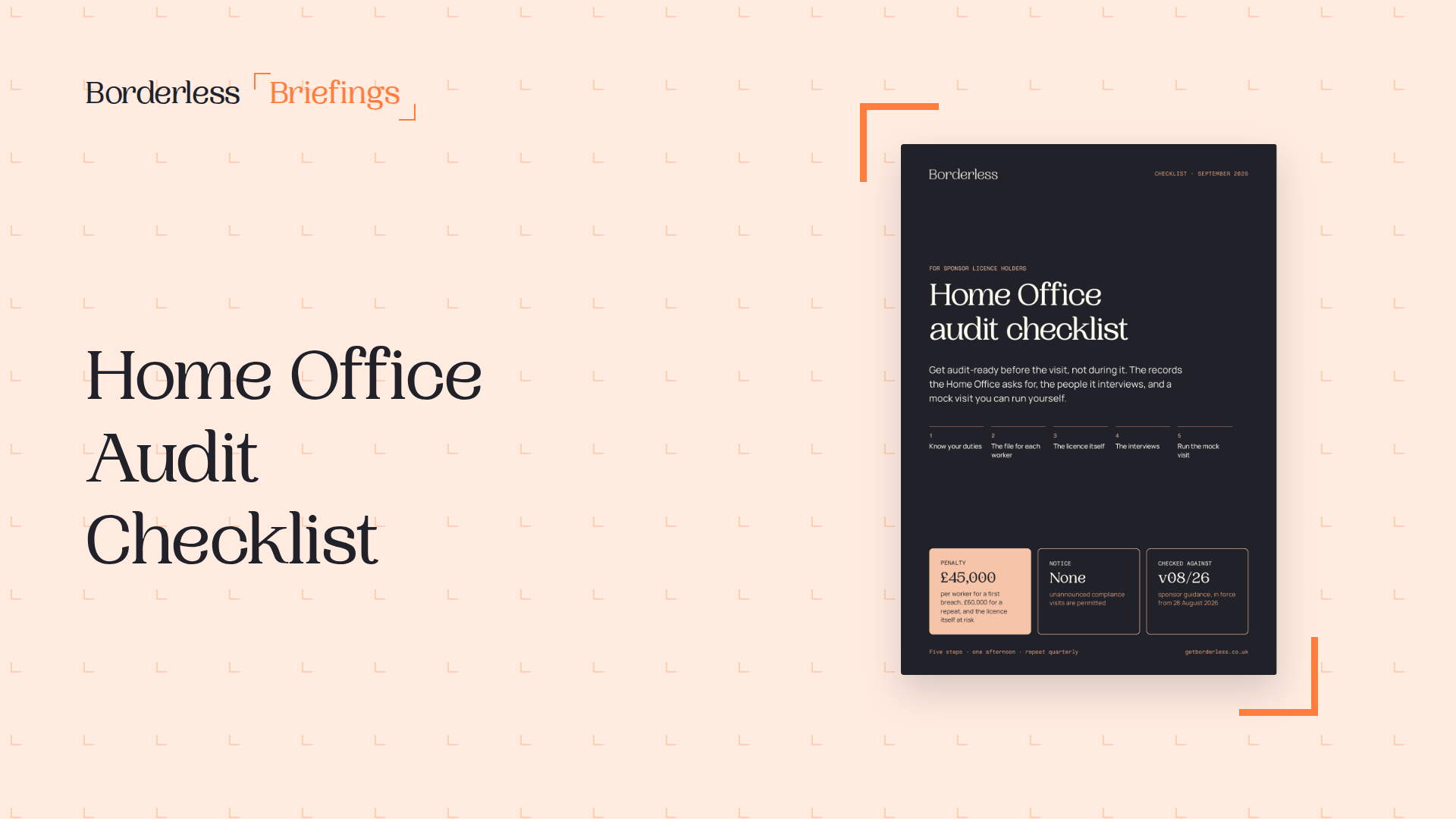
Automate Home Office Audits with Borderless
The Borderless platform provides a centralized system for all sponsorships, automating reminders for key tasks and ensuring best practices across your organization, simplifying audit preparation and ongoing compliance.